






What is Voicemod?
Voicemod is a powerful AI-powered real-time voice changer with a user-friendly sound effects control interface. Based on advanced AI technology, it allows users to easily change their voices in scenarios such as voice calls, games, and live streaming, offering over 150 voice-changing effects and thousands of sound effects. The tool supports Windows and macOS systems and seamlessly integrates with platforms like Discord and Steam. Users can quickly switch sound effects using hotkeys and create personalized voices through Voicelab. Voicemod’s user-friendly interface and powerful features make voice interaction more fun and diverse.
Voicemod’s main functions
- Real-time voice changing : Based on AI technology, it changes the user’s voice in real time during voice calls or games, instantly transforming the voice into different timbres.
- Extensive voice changing effects library : Offers over 150 preset voice changing effects, covering different genders, ages, and styles (such as cartoons, robots, aliens, etc.).
- Customizable voice changer : Users can adjust parameters such as pitch and timbre through Voicelab to create a completely personalized and unique voice.
- Sound effects library : It has a huge sound effects library, including a variety of meme sound effects and practical sound effects, which can be used to increase the fun and atmosphere of voice communication.
- Sound effect playback control : Users can set hotkeys to quickly play sound effects, making it convenient to add sound effects in a timely manner during voice interaction.
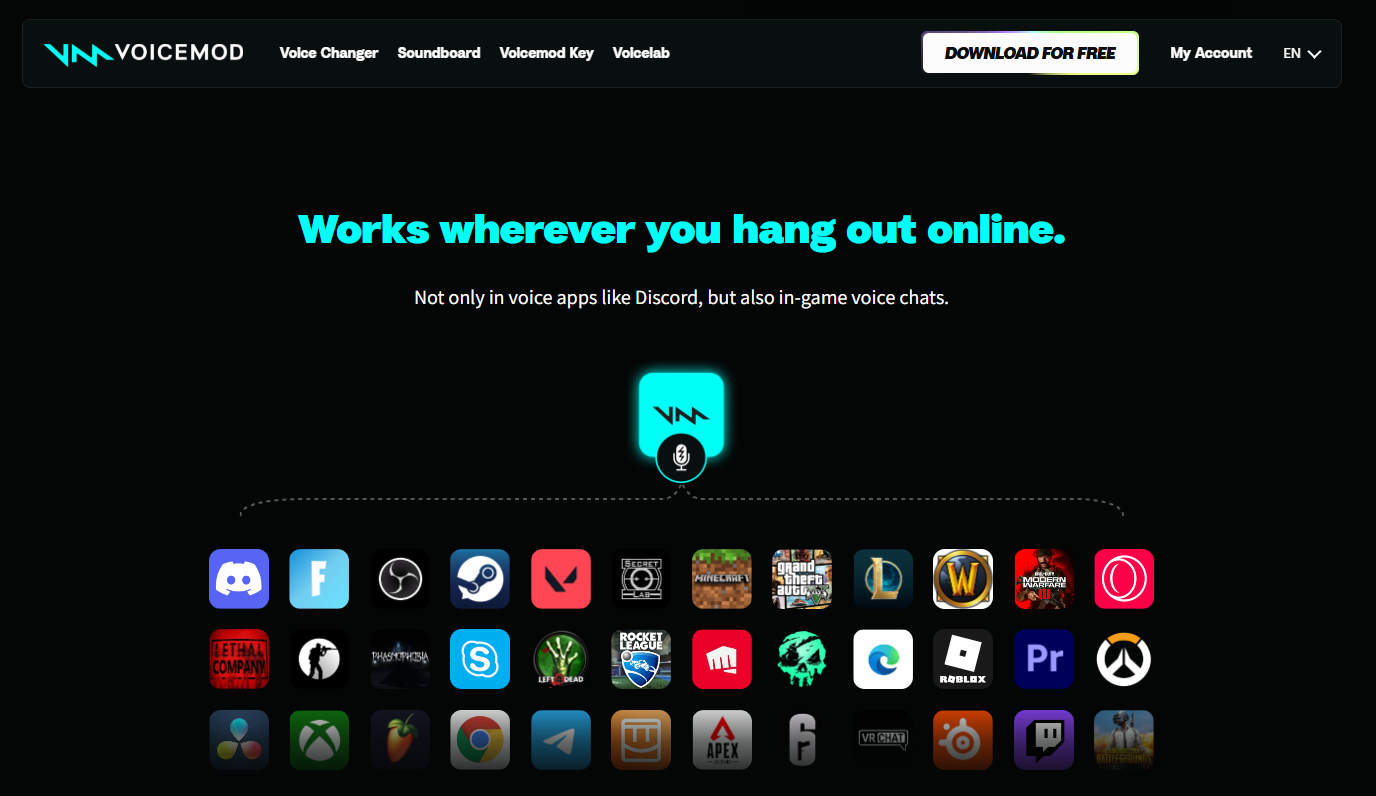
- Voice platform integration : Voicemod integrates seamlessly with voice platforms such as Discord and Skype, allowing users to use voice changing and sound effects directly during calls.
- Game platform integration : Supports integration with popular game platforms such as Steam, Fortnite, and Valorant, allowing players to better immerse themselves in their roles using the voice-changing function.
How to use Voicemod
-
Visit the official website : Visit the Voicemod official website https://www.voicemod.net/, log in online or download and install the software to your computer (supports Windows and macOS).
-
Setting up a virtual microphone : After installation, set “Voicemod Virtual Microphone” as the default input device (in system sound settings or applications).
-
Choose a voice changing effect : Open the Voicemod software and select your favorite voice changing effect (such as robot, cartoon character, etc.).
-
Configure hotkeys (optional) : Set hotkeys to quickly switch between voice changing effects or play sound effects in games or voice calls.
-
Get started : Start a voice call or game. Voicemod changes the user’s voice in real time, making communication more fun.
Voicemod Application Scenarios
-
Game Interaction : Use Voicemod’s voice-changing function in games to better blend into the game character and enhance immersion, such as playing as an alien or robot in the game.
-
Live entertainment : Streamers change their voices to increase the fun of the live stream and attract viewers, such as by imitating the voices of celebrities or anime characters.
-
Voice calls : Add a fun atmosphere and make chatting more interesting by changing your voice and using sound effects during voice calls with friends.
-
Role-playing : In role-playing activities, help users quickly switch between different character voices to enrich character performance.
-
Creative creation : Creators produce unique sound effects or voiceovers for use in video and audio content creation, enhancing the fun and appeal of their works.
相关导航





ai-navhub:The official website of the AI Toolset includes hundreds of AI tools from both domestic and international sources, as well as commonly used websites, frameworks, and models for AI learning and development, helping you join the wave of artificial intelligence and complete tasks efficiently and automatically!