MeloLab
What is MeloLab?
MeloLab is a one-stop AI music generation and editing platform that supports one-click generation of complete songs, backing tracks, and separate tracks with vocals via text, images, humming, or audio input. MeloLab integrates professional tools such as AI mixing, cover songs, track separation, vocal removal, and mastering, and comes with a multi-track Studio editor, allowing creators to complete the entire process from scratch online. Whether it’s background music for short videos, podcast intros, game BGM, or song demos, MeloLab can quickly produce royalty-free, high-quality audio and supports lossless WAV export. The free version offers 10 credits per month, while paid plans start at $14.90/month, making it suitable for content creators, musicians, and video teams.
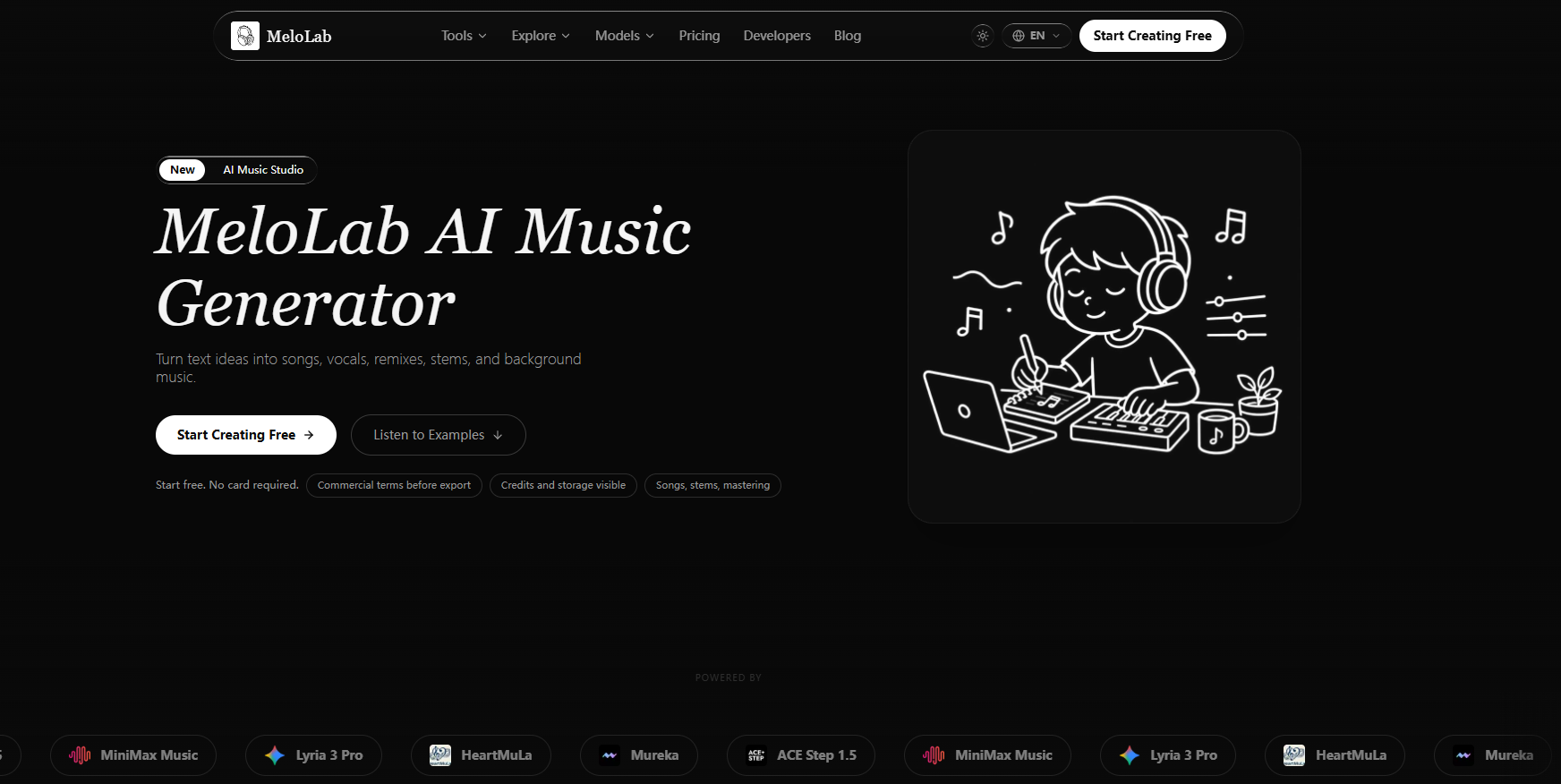
MeloLab’s main functions
-
Text-generated music : Input a description of style, mood, or purpose, and AI will automatically generate a complete song and arrangement.
-
Lyrics/Voice Song Generation : Supports the creation of complete songs with vocals, including melody and lyrics.
-
AI Mixing : Intelligently adjusts the volume and balance of each audio track, automatically optimizing the overall listening experience.
-
AI Cover Songs : Using AI voice models to cover and perform existing songs.
-
Humming to Song : Record a humming melody, and AI will automatically expand it into a complete arrangement.
-
Image to Music : Generates matching background music based on the atmosphere and visual elements of an image.
-
Vocal Removal : Intelligently removes vocals from songs and extracts pure instrumental music.
-
Audio track separation : The mix file is split into independent audio tracks (such as drums, bass, vocals, instruments, etc.).
-
AI Mastering : Automatically performs professional-grade mastering to improve sound quality and loudness.
-
Multitrack Studio Editor : An online multitrack editor that supports fine-tuning of generated content.
-
WAV Conversion : Supports high-quality lossless WAV format export to meet professional production needs.
How to use MeloLab
-
Access the platform : Open the MeloLab official website https://melolab.ai/ and register or log in to your account.
-
Input requirements : Enter your desired sound by inputting your music style, mood, lyrics, or intended use in the creation interface.
-
Upload content : You can upload audio files, pictures, or you can directly record a humming melody as a starting point for your creation.
-
Choose a model to generate the song : Select a suitable AI generation model, click the generate button, and wait for the AI to create the complete song.
-
Processing : After generation, enter the Studio multitrack editor to perform track separation, mixing, cover recording, or mastering.
-
Adjust and export : After adjusting to your satisfaction, select WAV or other formats to export and download the finished product.
MeloLab’s core advantages
-
Multimodal inspiration input : Supports four ways to start creation: text, images, humming, and audio, lowering the threshold for music production.
-
Full-process one-stop coverage : From song generation and vocal synthesis to post-processing, you can complete professional works without switching software.
-
Built-in Studio-level editing tools : providing a multi-track editor, AI mixing, mastering, and track separation to meet the needs of refined production.
-
Intelligent vocal processing : Supports AI cover singing, vocal removal and audio track separation, flexibly processing existing vocals and accompaniment.
-
Royalty-free commercial output : The generated music can be directly used in commercial scenarios such as videos, podcasts, and games, without any copyright risks.
-
High-quality lossless export : Supports downloading lossless formats such as WAV, ensuring broadcast-grade and professional-quality audio.
-
Zero-barrier quick song creation : No music theory knowledge or professional software required, just enter a description and you can get a complete song in minutes.
Comparison of MeloLab’s similar products
| Comparison Dimensions | MeloLab | Suno | Udio |
|---|---|---|---|
| Core positioning | AI-powered music generation + end-to-end post-production editing platform | Generate a complete song (including vocals) from the text. | Text-generated songs, emphasizing iteration and instrument quality. |
| Text-generated music | ✅ Support | ✅ Supports v5.5 model | ✅ Support |
| Vocal/Lyrics Generation | ✅ Support | ✅ Industry-leading vocal quality | ✅ Support, with a greater emphasis on instrument fidelity |
| Image to music | ✅ Support | ❌ Not supported | ❌ Not supported |
| Humming and singing songs | ✅ Support | ⚠️ Limited (Persona/Voice input) | ⚠️ Limited |
| AI Cover Song | ✅ Support | ❌ Not supported | ❌ Not supported |
| Audio track separation / Stems | ✅ Support | ✅ Premiere plans to support 12-track export. | ⚠️ Limited support |
| Multitrack Studio Editor | ✅ Built-in multitrack editor | ✅ Suno Studio (Premier Exclusive) | ❌ No built-in DAW |
| AI Mixing/Mastering | ✅ Support | ⚠️ Automatic mixing during generation, no separate mastering tool. | ⚠️ Automatic mixing during generation |
| Voice removal | ✅ Support | ❌ Not supported | ❌ Not supported |
| Maximum duration | No explicit restrictions | 4 minutes | Approximately 2 minutes |
MeloLab’s product pricing
| plan | Monthly payment | Annual payment | Points/month |
|---|---|---|---|
| Free | $0 | $0 | 10 points |
| Plus | $14.90 | $149 | 400 points |
| Pro | $39 | $399 | 1200 points |
One-time points packs : 100 points $7.99, 300 points $19.99, 1000 points $59.99
Application scenarios of MeloLab
-
Short video and social media soundtracks : Quickly generate royalty-free background music for YouTube, TikTok, Instagram Reels, and more, with customizable styles to match the video’s atmosphere.
-
Podcast and audio content production : Generate opening themes, transition music, and background ambient sounds with one click to enhance the professionalism of your programs.
-
Game & App BGM : Generate looping background music for indie games, apps, and websites, and support matching scene emotions with images or text descriptions.
-
Song Demo Quick Prototyping : Musicians and producers can quickly validate their ideas by inputting text or humming, generating a complete arrangement that can be further refined.
-
Film and Advertising Soundtracks : The video team generates custom soundtracks for promotional videos, vlogs, and commercials, and directly exports them in WAV lossless format for post-production.
-
AI Cover Songs and Remixes : Use AI cover song features to stylize popular songs or create remix versions by combining audio track separation.
相关导航