Supertone Shift
Supertone Shift, developed by the South Korean AI audio startup Supertone, is an AI-powered real-time voice-changing software . Through advanced artificial intelligence technology, it allows users to quickly switch between and personalize a variety of high-quality voices. The software features a rich built-in sound library and allows users to adjust details such as pitch, dynamics, and reverb to create unique, personalized sound effects. Supertone Shift’s low latency ensures a near-real-time voice conversion experience, making it particularly suitable for VTubers, content creators, and gamers. Furthermore, this AI voice changer supports seamless integration with popular applications such as Discord, VRChat, and Twitch, and is available for both Windows and macOS systems.
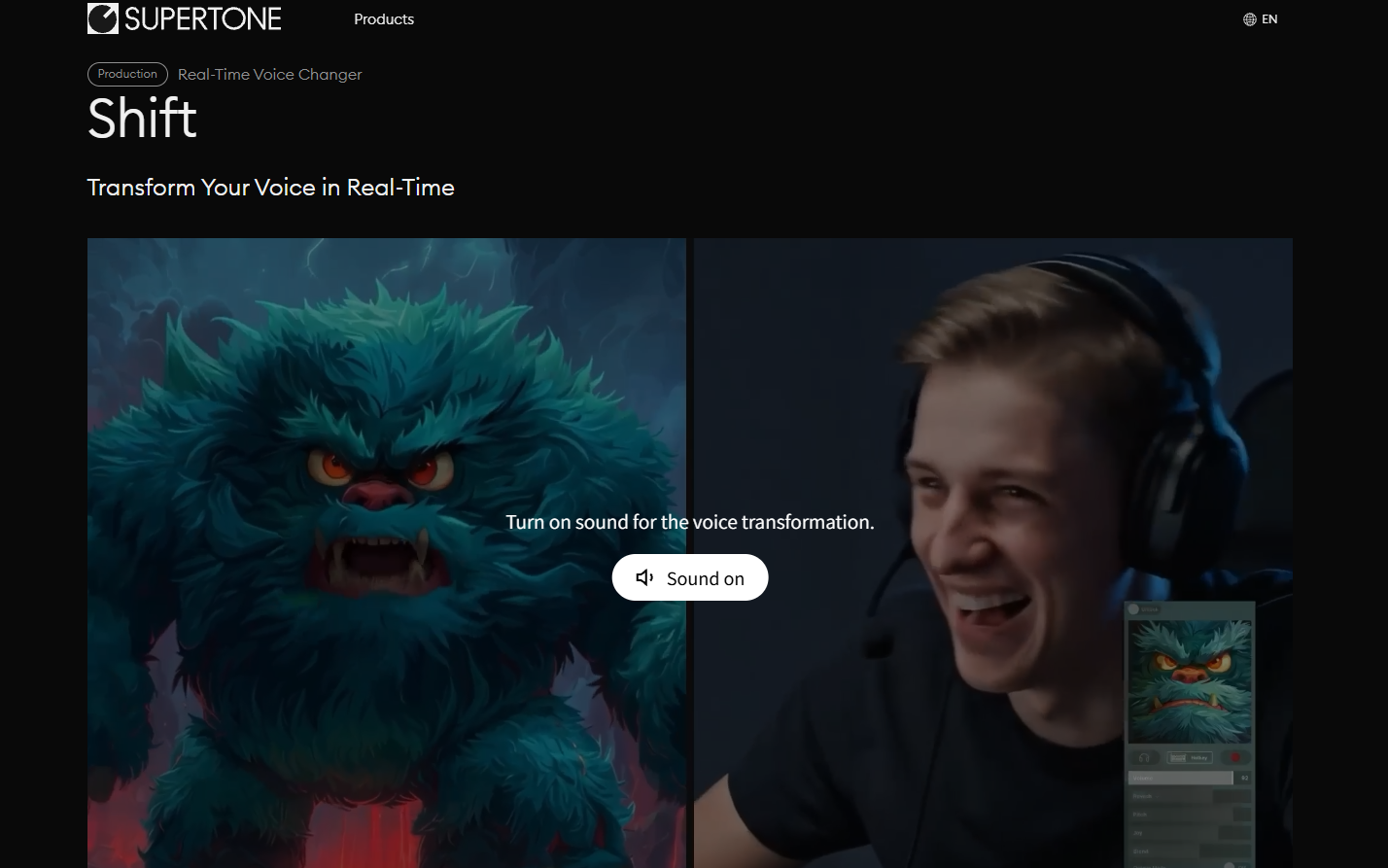
Supertone Shift Features
- Real-time voice transformation : Supertone Shift allows users to instantly select and apply different preset voices, enabling real-time voice transformations suitable for quickly adapting to different communication and performance needs.
- Curated Sound Library : The software includes a carefully selected sound library by Supertone, containing a variety of sound styles and regularly introducing new sounds to meet the sound preferences of different users.
- Deep sound customization : Users can finely adjust sound parameters such as pitch, pitch dynamics, and reverb to achieve personalized sound customization, making the sound expression closer to their personal creative intentions.
- Creative Sound Mixing : Through the sound mixing function, users can blend different sound elements, adjust the mixing ratio, and create unique and personalized sound effects.
- Seamless app integration : Supertone Shift supports integration with popular social platforms and gaming apps such as Discord, VRChat, and Twitch, enabling users to enjoy a seamless voice-changing experience on these platforms.
- Industry-leading low latency : The software uses advanced low-latency technology, reducing latency to 47 milliseconds, providing users with a near real-time voice conversion experience, especially suitable for live streaming and real-time interactive scenarios.
- One-click high-fidelity conversion : Users can obtain natural and realistic voice conversion effects with just one click, greatly simplifying the operation process.
- No additional hardware required : Supertone Shift does not rely on a GPU or other dedicated hardware and can run smoothly on most modern devices, improving the software’s accessibility and ease of use.
How to use Supertone Shift
- Download and Installation : Visit the official Supertone Shift website and select the appropriate Windows or Mac client version to download based on your operating system. After downloading, install it.
- System Requirements Check : Ensure your computer meets the recommended system requirements, such as Windows 10 or later 64-bit operating system or macOS 10.15 or later.
- Launch the application : After installation, launch the Supertone Shift application.
- Choose a sound : In the application interface, browse and select the sound you want to use. Supertone Shift offers a variety of preset sounds for users to choose from.
- Personalized customization : Adjust sound parameters as needed, such as pitch, pitch dynamics, and reverb, to achieve the sound effect you desire.
- Sound mixing : Different sounds can be mixed and the mixing ratio adjusted to create unique, personalized sounds if needed.
- Application Integration : If you plan to use the transformed voice in specific applications, such as Discord, VRChat, or Twitch, you can follow the guidelines provided by Supertone Shift for application integration.
- Real-time use : Once everything is set up, you can start using the transformed voice for calls, live streaming, or gaming in real time.
Application scenarios of Supertone Shift
- Virtual Streamers (VTubers) : Virtual role-players can use Supertone Shift to change their voices to enrich the personality and expressiveness of their characters.
- Content creation : Video creators, podcasters, and audio editors can use this software to add different sound effects to their work, enhancing the viewing or listening experience for their audience.
- Online games : Gamers can change their voices to enhance the gaming experience, role-play, or protect their personal privacy.
- Social Media : Users can use Supertone Shift to change their voice when communicating via voice or video on social platforms, providing a more engaging experience.
- Customer Service : Customer service personnel can use this software to hide their real voice when handling sensitive information to protect their privacy.
相关导航