




What is Listnr?
Listnr is an advanced AI speech synthesis tool that quickly converts text into natural and fluent speech. It supports over 142 languages and more than 1,000 voice styles, and allows users to clone their own voices. The speech generated by Listnr is extremely realistic, indistinguishable from that of a real person, and suitable for various scenarios such as video dubbing, podcast production, audiobook creation, and social media content generation. The tool offers advanced features such as emotion adjustment and speech rate control, and is easy to use with a user-friendly interface, making it an ideal choice for content creators and enterprise users.
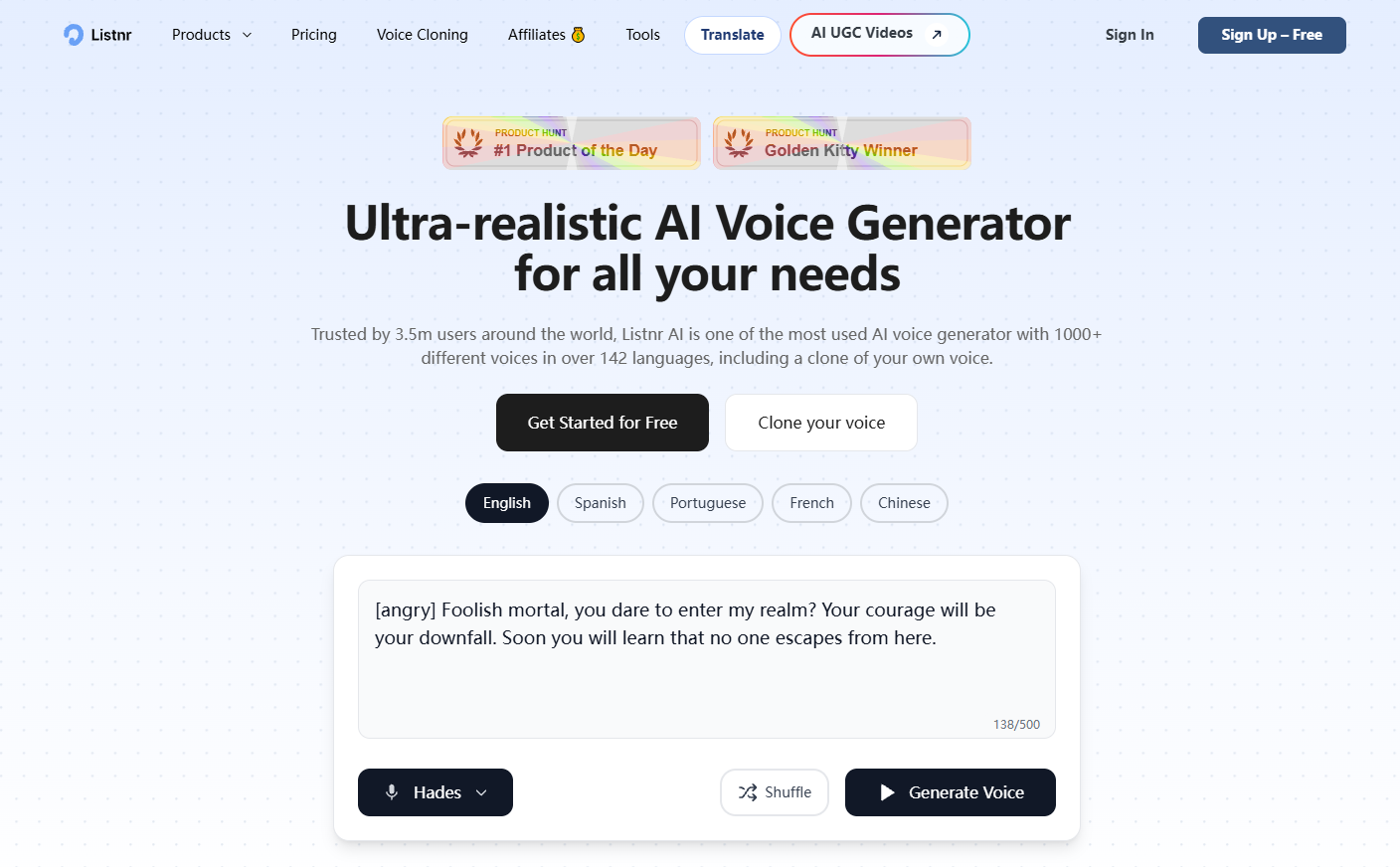
Listnr’s main functions
-
Text-to-speech : Quickly convert any text content into natural and fluent speech, supporting multiple languages and voice styles.
-
Voice cloning : Users upload their own voice samples, which can generate synthesized speech that is highly similar to their own voice.
-
Multilingual support : Covering more than 142 languages and multiple dialects to meet the diverse needs of users worldwide.
-
Emotional fine-tuning : By adjusting tone, speed, and pauses, add emotional color to the voice to make the output more vivid and natural.
-
Video Dubbing : Generate professional voiceovers for video content, supporting multilingual translation, suitable for advertisements, educational videos, and social media videos.
-
Podcast creation : Helps users quickly create multilingual podcasts without recording, generating high-quality audio content.
-
Audiobook generation : Convert text content into audiobooks, supporting multiple languages, suitable for publishers and creators.
-
API Integration : Provides a powerful API interface, making it easy for developers to integrate Listnr’s speech synthesis capabilities into their own applications.
How to use Listnr
-
Registration and Login : Visit the Listnr official website https://listnr.ai/ to complete registration and login.
-
Input text : Enter or paste the text content that needs to be converted into the editor.
-
Choose a voice : Select the right voice style from over 1,000 voices and 142 languages.
-
Adjust settings : Adjust parameters such as speech rate, tone, emotion, and pauses as needed.
-
Preview the audio : Click the preview button to listen to the generated audio.
-
Save or export : Once you are satisfied, save it as a WAV or MP3 file, or download it directly to your local computer.
-
Use voice : Use the generated voice for video dubbing, podcasts, audiobooks, or other content creation scenarios.
Application scenarios of Listnr
-
In the education sector : Generate professional voice narration for online courses and educational videos to enhance the learning experience.
-
Podcast creation : The tool enables you to quickly create multilingual podcast content without the need for recording, saving you time and effort.
-
Social Media : Generate engaging audio for short videos on platforms such as TikTok, Instagram, Reels, and YouTube.
-
Advertising & Marketing : Provides high-quality speech synthesis for ad videos and marketing content, enhancing engagement.
-
Audiobooks : Convert text content into audiobooks, support multiple languages, and expand the readership.
相关导航




ai-navhub:The official website of the AI Toolset includes hundreds of AI tools from both domestic and international sources, as well as commonly used websites, frameworks, and models for AI learning and development, helping you join the wave of artificial intelligence and complete tasks efficiently and automatically!