






AI Audio Tools
Audo Studio
AI audio cleaning tools (noise removal, sound balancing, volume adjustment)
标签:AI Audio ToolsAI audio toolsWhat is Audo Studio?
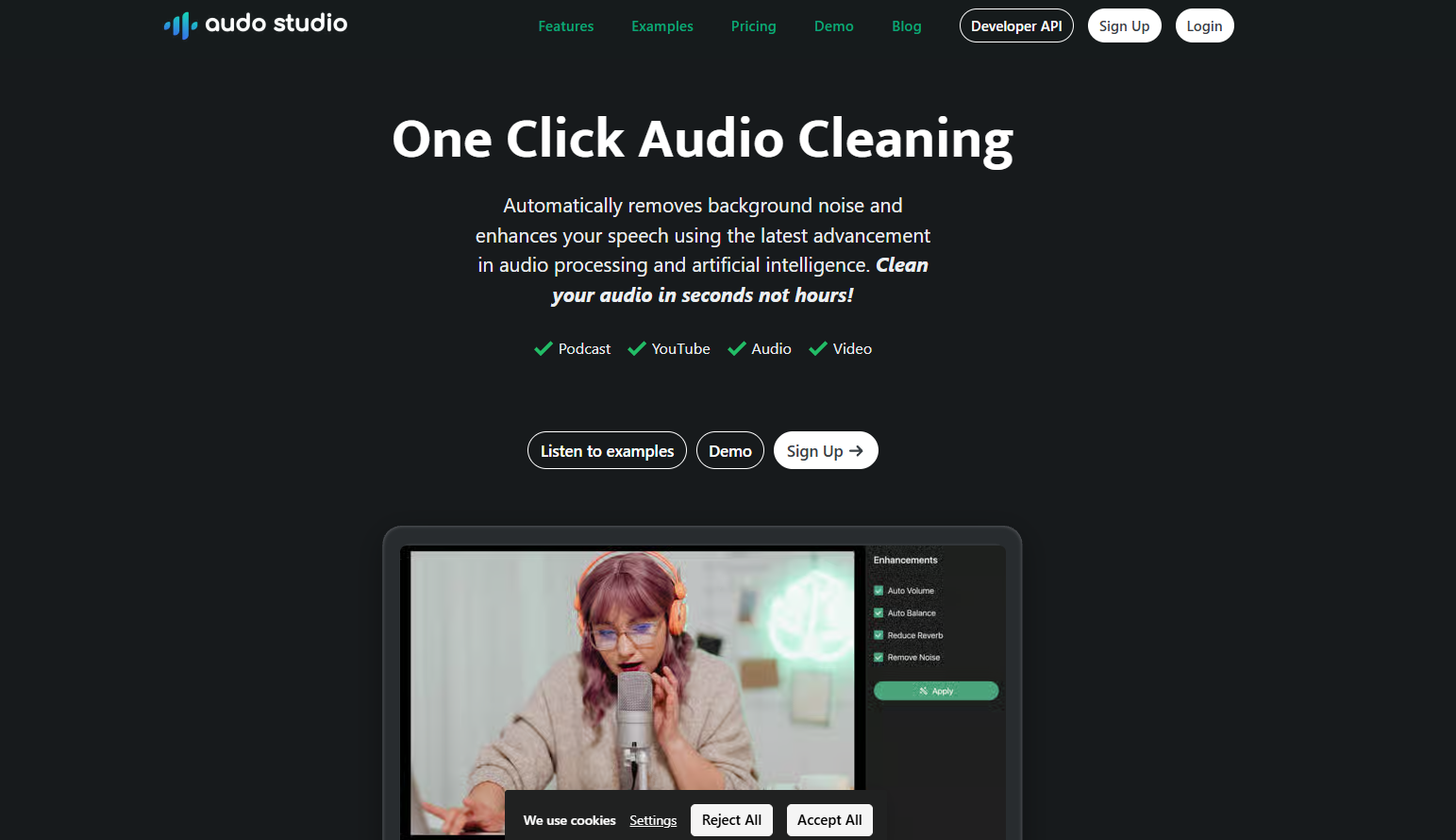
Audo Studio is an AI audio processing tool that quickly removes background noise and enhances speech. It’s easy to use, requiring only one click to clean up audio, making it suitable for podcasters, YouTube creators, and audio/video producers. Audo Studio offers various plans to suit different needs. Its core advantages lie in its efficient, convenient, and high-quality audio processing, significantly improving audio clarity and professionalism.
Main features of Audo Studio
- Advanced noise reduction : Automatically removes background noise such as neighbor’s music, dog barking, parrot calls, etc., allowing users to record high-quality audio anytime, anywhere without having to find a quiet recording environment.
- Echo Reduction : Automatically reduces echo (reverberation) in recordings, saving the cost of purchasing sound-absorbing foam panels and improving audio clarity and professionalism.
- Automatic volume adjustment : Automatically adjusts the volume level to ensure uniform audio volume, avoids sudden changes in volume, and provides a more comfortable listening experience.
- One-click operation : Audio processing is completed with a single click. It is simple to operate, requires no complicated settings, and is suitable for all users.
- Fast processing : Completes audio cleanup in seconds, up to 10 times faster than traditional software such as Adobe Audition or Audacity, saving time and improving work efficiency.
How to use Audo Studio
- Visit the official website : Visit the Audo Studio website https://www.audo.ai/. Complete account registration and login.
-
Upload audio : Click the “Upload” button in the control panel and select the audio file you want to process.
-
Select Function : Choose the desired processing function, such as “Noise Removal”, “Dereverberation”, or “Auto Volume”.
-
Start processing : Click the “Process” button, and Audo Studio will automatically process the audio.
-
Download result : After processing is complete, click the “Download” button to download the processed audio file.
-
Check the results : Play the processed audio and compare it with the original audio to experience the noise reduction and enhancement effects.
-
Save or share : Save the processed audio locally, or share it directly to podcast platforms, YouTube, etc.
Application scenarios of Audo Studio
-
Podcast production : Helping podcast creators remove background noise, improve audio quality, and allow listeners to focus more on the content.
-
YouTube videos : Improve audio quality, reduce background noise, and enhance the viewer’s experience.
-
Online courses : Make the audio of online courses clearer and avoid background noise that may distract students.
-
Audio Editing : Provides audio editors with quick noise reduction and volume adjustment tools to improve work efficiency.
-
Video conferencing : Improve audio quality in video conferencing, reduce ambient noise, and ensure smooth communication.
相关导航


ai-navhub:The official website of the AI Toolset includes hundreds of AI tools from both domestic and international sources, as well as commonly used websites, frameworks, and models for AI learning and development, helping you join the wave of artificial intelligence and complete tasks efficiently and automatically!