




What is Krisp?
Krisp is an AI-powered audio processing software that enhances the quality of calls and meetings. Through advanced AI technology, it eliminates background noise and human voice interference in real time, making calls clearer. Krisp supports two-way noise reduction, eliminating the noise you hear and ensuring the other party cannot hear your background noise. It features voice separation to highlight the speaker’s voice, making meeting notes more accurate. Krisp offers meeting transcription and summarization functions, supports multiple languages, and helps users quickly organize meeting content. The latest version adds accent conversion, converting different accents into standard pronunciation, further improving communication efficiency. Krisp is suitable for various scenarios, including remote work, online meetings, and podcast production. It supports multiple operating systems, including Windows, Linux, Mac, Android, and iOS, ensuring users can use it on different devices.
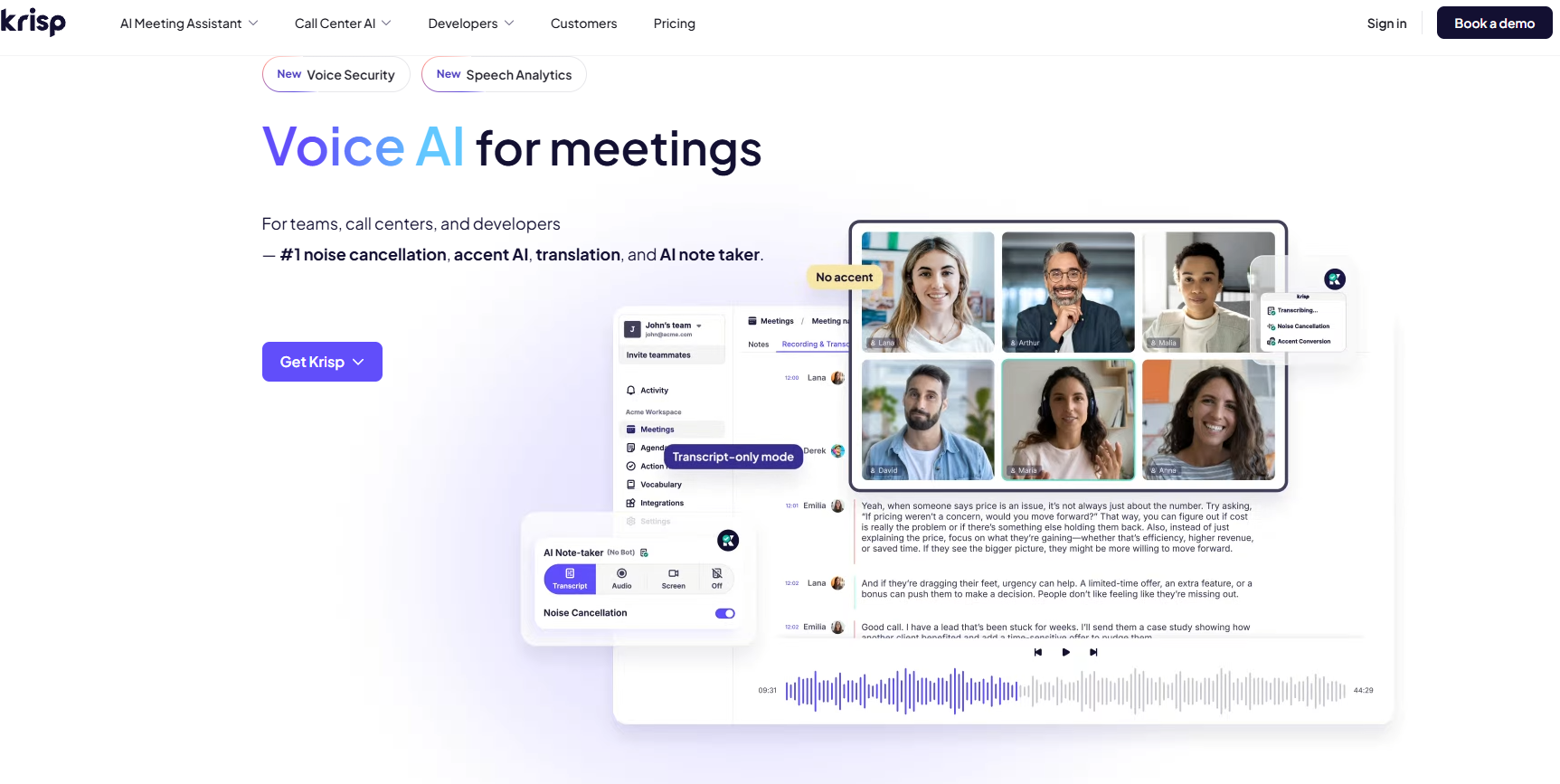
Krisp’s main functions
-
Noise reduction function : Eliminates background noise and human voice interference to ensure clear calls.
-
Voice separation : Highlights the speaker’s voice, improving the accuracy of meeting minutes.
-
Accent conversion : Converts speech with different accents into standard pronunciation, enhancing communication efficiency.
-
Conference Transcription and Abstract : Provides transcription and abstracts of conference content, supports multiple languages, and facilitates quick and easy summarization of key conference points.
-
Multi-platform compatibility : Supports multiple operating systems such as Windows, Linux, Mac, Android, and iOS to meet the needs of different users.
How to use Krisp
-
Download and install : Visit the Krisp official website: https://krisp.ai/, select the appropriate version for your operating system, and download and install it.
-
Registration/Login : After opening the software, register/login using your email address or social media account.
-
Configure your audio devices : Select your microphone and speaker devices in the software settings to ensure Krisp can properly handle audio input and output.
-
Enable noise reduction : Click the “Enable Noise Reduction” button in the software interface to eliminate background noise in real time.
-
Adjust settings : Adjust parameters such as noise reduction intensity and human voice volume as needed to achieve the best audio effect.
-
Using the transcription function : During a meeting or call, click the “Start Transcription” button, and Krisp will automatically record and transcribe the audio content.
-
View Abstract : After transcription is complete, Krisp will automatically generate a conference abstract, allowing you to quickly understand the key points of the conference.
-
Synchronization and Sharing : Synchronize the transcribed content and summary to the cloud or share it with others via tools such as email and Slack.
Application scenarios of Krisp
-
Remote work : Ensure clear voice communication in noisy environments to maintain work efficiency.
-
Online meetings : Improve meeting quality by ensuring participants hear only your voice, free from background noise.
-
Podcast production : Recording high-quality audio content, eliminating background noise, and enhancing the listener experience.
-
Customer service : Provide clear voice communication when speaking with customers to improve service satisfaction.
-
Online education : Teachers and students enjoy uninterrupted voice communication during remote teaching, improving learning outcomes.
-
Game streaming : The streamer communicates clearly with the audience during the game, enhancing the interactivity of the live stream.
相关导航



