




What is NaturalReader?
NaturalReader is an AI-powered text-to-speech tool that converts various text formats into natural and fluent speech, supporting over 20 formats including PDF and more than 50 languages. Key features include multilingual speech powered by a large language model, speech cloning technology, and content awareness capabilities, making the speech more natural and human-like. NaturalReader’s AI speech generator studio supports creating narration audio from text, suitable for various commercial applications such as YouTube, training, online learning, and audiobooks, making it a powerful tool for improving text accessibility and content creation efficiency.
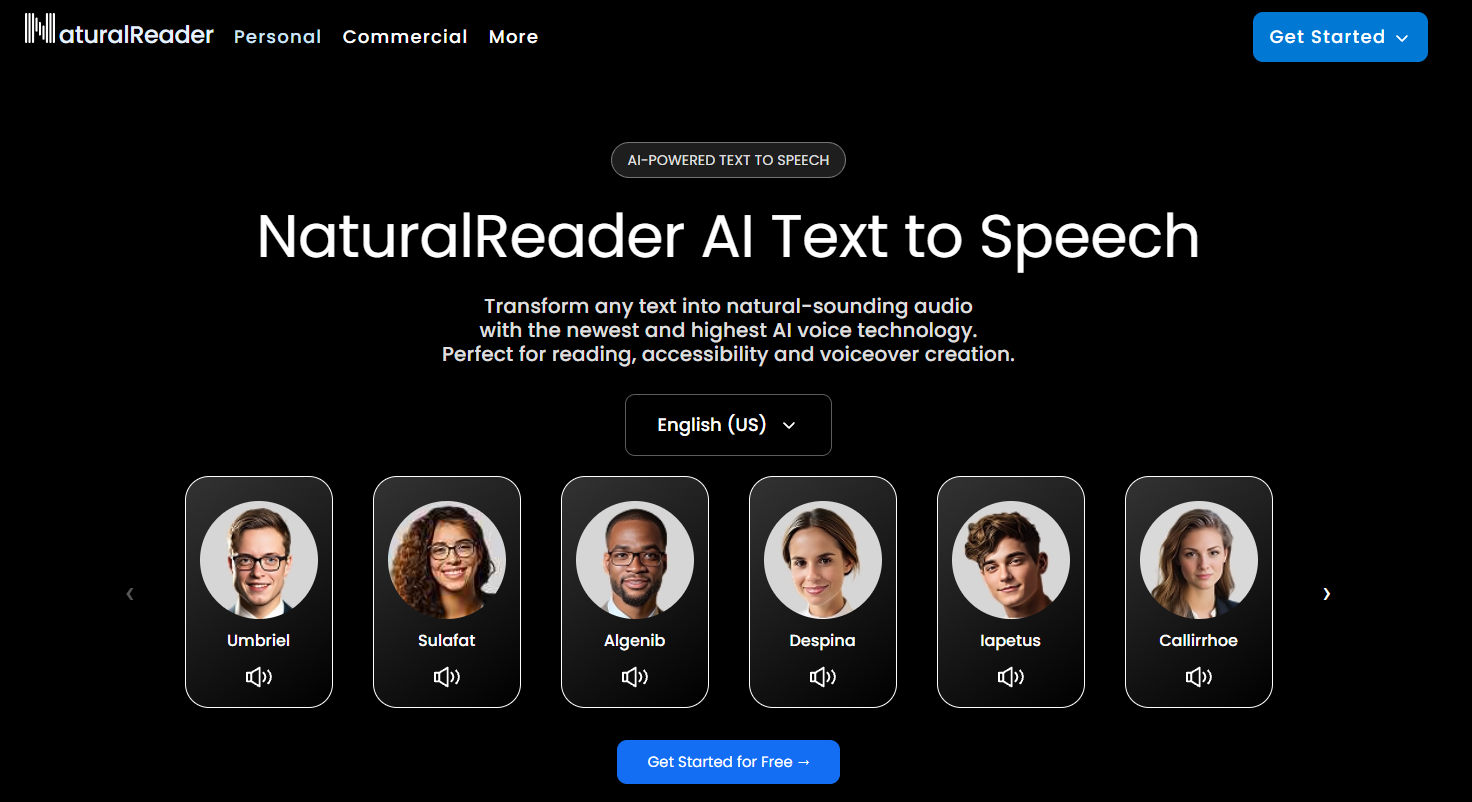
Main functions of NaturalReader
-
AI Text to Speech : Supports reading any type of text aloud with natural AI speech, supporting PDF and more than 20 other formats.
-
LLM Multilingual Voice : Offers over 50 languages and over 200 AI voices, with more natural and higher quality voices.
-
Voice cloning : Instantly clone any voice using AI technology to achieve personalized voice synthesis and meet the needs of different users.
-
Content awareness : AI voice can read and understand text content, making the voice more natural and human-like, thus improving the user experience.
How to use NaturalReader
-
Visit the official website : Visit the NaturalReader website https://www.naturalreaders.com/, and register and log in to complete the account registration.
-
Add text : Click “Document” to upload PDF or other files, or click “+” to enter text (web version); the mobile app can import text to the bookshelf.
-
Choose your voice : Select your favorite voice from over 50 languages and over 200 AI voices, such as “Jessica” and “Bill”.
-
Play audio : Click the play button to let NaturalReader start reading the text aloud.
-
Use additional features : create narration audio with voice cloning, content awareness, or the AI Voice Generator Studio and save it as an MP3.
Application scenarios of NaturalReader
-
Individual learning : Students can convert textbooks and documents into audio, listen and learn at the same time, and improve learning efficiency.
-
Work assistance : Professionals can use the voice reading function to free their hands and listen to reports, emails, etc. while on the go.
-
Reading companionship : Reading enthusiasts can convert e-books into audio and enjoy the pleasure of listening to books.
-
In the education sector : Teachers create audio teaching materials to help visually impaired students or those with reading disabilities learn better.
-
Commercial use : Businesses can create training audio and advertising narration; YouTubers can quickly generate video narration.
相关导航






ai-navhub:The official website of the AI Toolset includes hundreds of AI tools from both domestic and international sources, as well as commonly used websites, frameworks, and models for AI learning and development, helping you join the wave of artificial intelligence and complete tasks efficiently and automatically!