




AI Image Tools3D Model GenerationAI Image Tools
Fast3D
AI 3D model generation tool, generate 3D models from text or images.
标签:3D Model Generation AI Image ToolsAI 3D model generationWhat is Fast3D?
Fast3D is a powerful AI 3D model generation tool that can generate high-quality 3D models in seconds using simple text descriptions or image input. Fast3D supports high-fidelity material compositing and boasts high-precision geometry generation capabilities, making it suitable for a wide range of users, from beginners to professionals. Models generated by Fast3D can be exported in multiple formats and used in 3D printing, game development, and more. Fast3D offers a free trial; no registration or login is required to enjoy efficient creation.
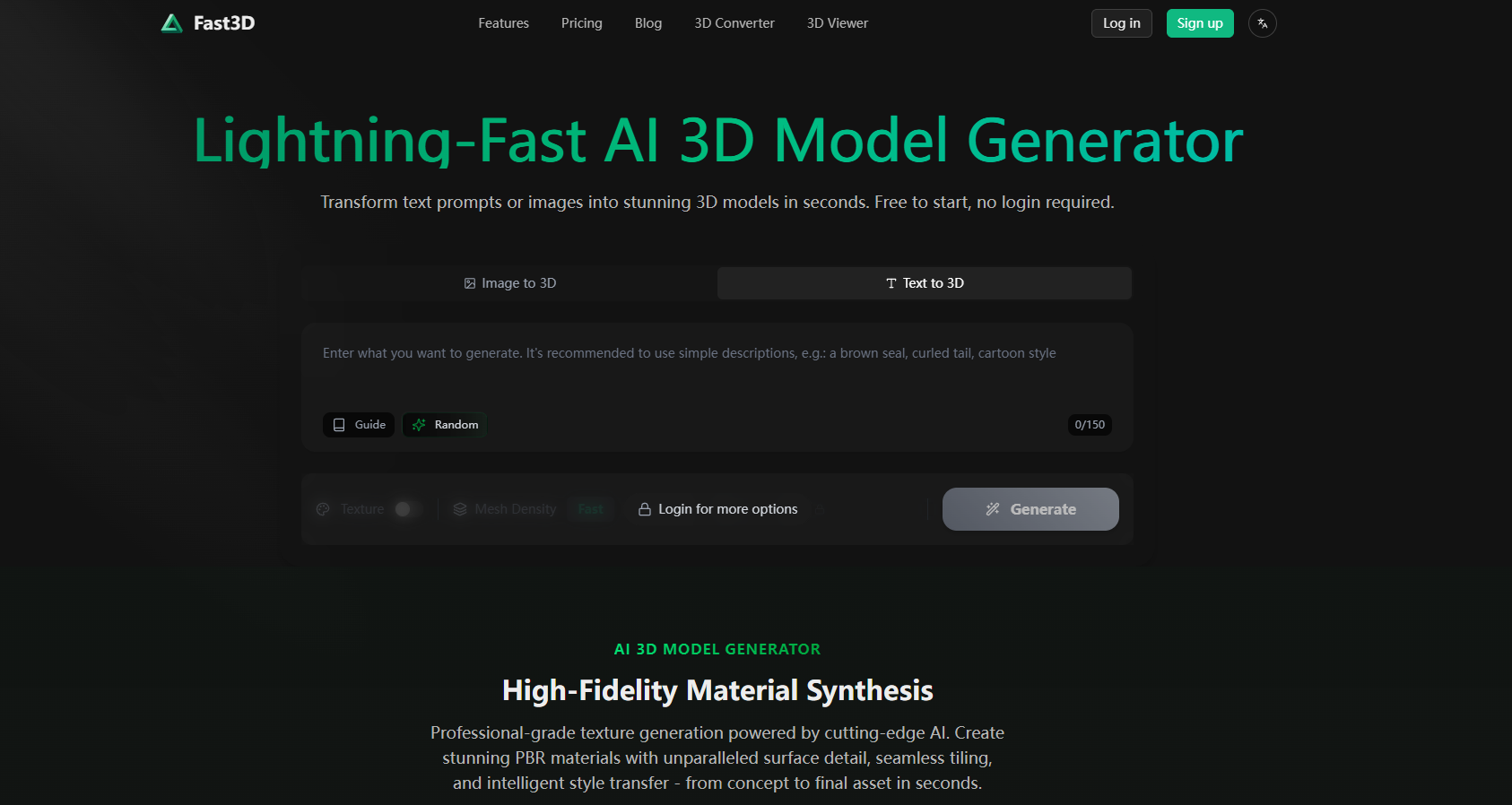
Main functions of Fast3D
- AI-driven 3D model generation : Quickly generate high-quality 3D models from text descriptions or image inputs.
- High-fidelity material synthesis : Supports professional-grade texture generation, providing seamless splicing and intelligent style transfer to present realistic surface details.
- High-precision geometry generation : It can generate high-precision geometric shapes with rich details, which is suitable for complex models.
- Multiple export formats : Supports formats such as GLB/GLTF, FBX, OBJ/MTL and STL, with strong compatibility.
How to use Fast3D
- Visit the official website : Visit the Fast3D official website https://fast3d.io/.
- Select login mode :
- No login required : Use basic functions directly without registration or login.
- Login Mode : After registering and logging in, you can unlock more advanced features, such as high-precision model generation and custom textures.
- Input content :
- Text generation : Enter a text description in the input box.
- Image generation : Upload an image, supporting multiple formats (such as JPG, PNG).
- Setting parameters :
- Mesh density : Select “Fast”, “Standard” or “Ultra”, the higher the precision, the finer the mesh.
- Texture options : Enable or disable textures. When enabled, it will generate models with textures.
- Generate Model : Click the “Generate” button and wait for the model to be generated.
- Viewing and Exporting : After generation, view the 3D model on the preview page, which supports rotation and scaling. Click the “Export” button, select the export format (such as GLB, FBX, OBJ, etc.), and save it locally.
- Using the model : Import the exported 3D model into 3D software for further editing or use.
Application scenarios of Fast3D
- Game Development : Quickly generate game character, prop, and scene models, saving time and costs and accelerating the game development process.
- 3D Printing : Generate models suitable for 3D printing from text or images, export them as STL format for direct printing, which is convenient and fast.
- Architectural Design : Quickly generate 3D models of building exteriors or interior spaces for use in presentations or further design, improving design efficiency.
- Film and Animation : Quickly generate character and prop models for animation, accelerate the production process, and speed up the realization of creative ideas.
- In the field of education : Generate various teaching models, such as biological models and mechanical models, to enhance teaching interactivity and student participation.
相关导航




ai-navhub:The official website of the AI Toolset includes hundreds of AI tools from both domestic and international sources, as well as commonly used websites, frameworks, and models for AI learning and development, helping you join the wave of artificial intelligence and complete tasks efficiently and automatically!