




What is CrePal?
CrePal is a powerful AI video creation agent that automates the video production process. CrePal can help users automatically break down long interview videos (such as a 25-minute tech interview) into multiple short video clips suitable for social media sharing, easily achieving efficient content dissemination. CrePal can generate animated videos based on user-provided story ideas, completing the creation process in one stop, from images and video to audio. It can also automatically create 1-minute highlight videos based on user-uploaded movie or TV series content, optimizing promotion for short video platforms.
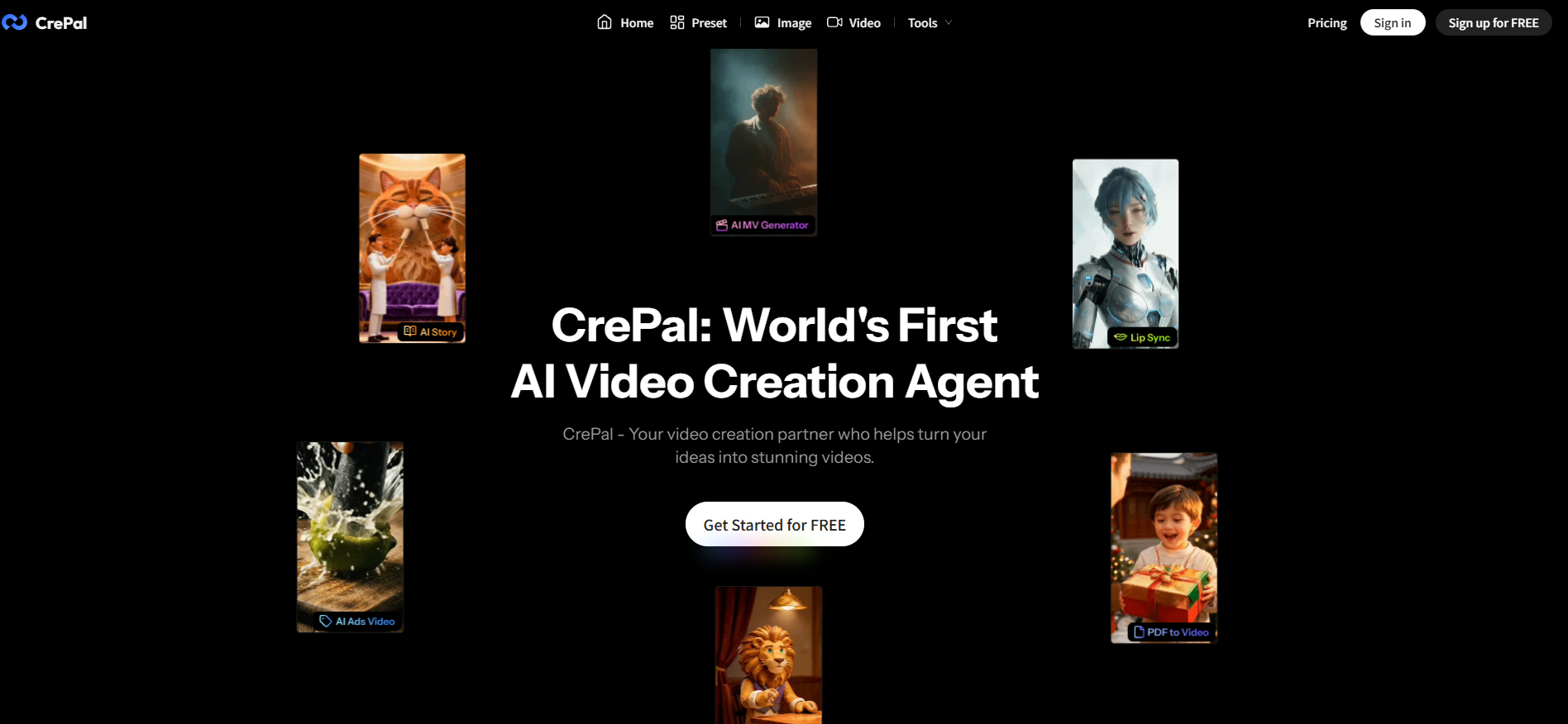
CrePal’s main functions
-
Automatic editing : It can automatically edit long interview videos (such as a 25-minute technology interview) into multiple popular short videos, which is suitable for improving the efficiency of content dissemination.
-
Animated Story Generation : Simply enter a one-sentence idea, and CrePal can generate a complete animated short film, including script, storyboard, voice-over, and sound effects.
-
Film and TV Highlight Extraction : Upload the entire movie or TV series, and AI will automatically identify the highlights and generate a 1-minute promotional video that can be used directly on short video platforms.
-
Case studies and templates : Includes finished examples from multiple industries, supports one-click style reuse; also provides quick login with Google account and cloud-based asset management.
-
Intelligent video script generation : Automatically generates a complete and fluent video narration script based on the user’s input topic and keywords.
-
One-click video rendering : Automatically combines text scripts, image materials, and music into a complete video production, supporting multiple output formats.
-
Automatic subtitle generation : Intelligently adds multilingual subtitles to video content, and supports personalized adjustments to style and position.
-
Social media optimization : Automatically optimizes video size, format, and metadata tags for different platforms (such as YouTube, TikTok, etc.).
How to use CrePal
-
Visit the official website : Open the CrePal website https://crepal.ai/.
-
Register and log in : Click the “Get Started” button and choose to register and log in using your Google account or email address.
-
Select a creative task : On the homepage, select the desired creative task, for example:
-
Long interview video splitting : Automatically splits long videos (such as a 25-minute interview) into multiple short videos suitable for social media sharing.
-
Animated video creation : Input a story idea, and CrePal will generate an animated video that includes images, video, and audio.
-
Movie/TV Highlight Videos : Upload movie or TV series content, and CrePal will automatically create a 1-minute highlight video, suitable for promotion on short video platforms.
-
-
Upload materials or enter your creative ideas
-
If you choose to split a long interview video or a film/TV highlight video, upload the relevant video file.
-
If you choose to create an animated video, enter your story idea or script.
-
-
Configure video parameters : Select the desired video style, duration, music type, and other parameters. CrePal offers a variety of templates and styles for users to choose from.
-
Generate Video : Click the “Create” button, and CrePal will automatically generate the video. During the generation process, CrePal will automatically handle video editing, adding subtitles, and background music.
-
Preview and Adjustments : After the video is generated, preview the effect. If necessary, you can make further adjustments to the video, such as modifying subtitles or adjusting the editing rhythm.
-
Download and Share : After confirming that everything is correct, download the generated video and share it on social media platforms or for other purposes.
- Precautions
-
Material Copyright : Ensure that the uploaded materials (such as videos and audio) have legal copyrights to avoid infringement issues.
-
Creative Input : In animation creation, try to provide clear story ideas so that CrePal can better understand and generate high-quality videos.
-
Optimize parameters : Select appropriate video parameters based on the video’s intended use (such as social media, advertising, etc.) to achieve the best results.
-
CrePal application scenarios
-
Individual creators : Split a 30-minute vlog or live stream replay into 10 15-second highlights with one click, automatically add subtitles, on-screen text and background music, and complete a daily update in 3 minutes.
-
Brand e-commerce : Upload product images and selling point copy, and CrePal will automatically generate 9:16 vertical ads, unifying brand visuals and allowing direct placement on Douyin and Kuaishou.
-
Education and Training : Input the course outline, and AI will generate a 30-second animated preview showcasing the faculty and results.
-
Film & TV & MCN : Mass production of movie trailers and TV series highlights, automatic recognition of key lines and actions, and support for both horizontal and vertical screen orientations.
-
Enterprise Marketplace : Internal training videos are automatically subtitled, noise-reduced, and segmented, and can be archived into the enterprise knowledge base with one click.
相关导航




ai-navhub:The official website of the AI Toolset includes hundreds of AI tools from both domestic and international sources, as well as commonly used websites, frameworks, and models for AI learning and development, helping you join the wave of artificial intelligence and complete tasks efficiently and automatically!