




What is Moxt?
Moxt (More Context) is an Agent-Native Workspace that provides teams with 24/7 online AI colleagues. Each member is equipped with a dedicated AI assistant, Momo, which has persistent memory capabilities, can directly connect to Slack and Lark, and supports online research, coding, data analysis, application building, and document collaboration, enabling AI and humans to collaborate natively in the same space.
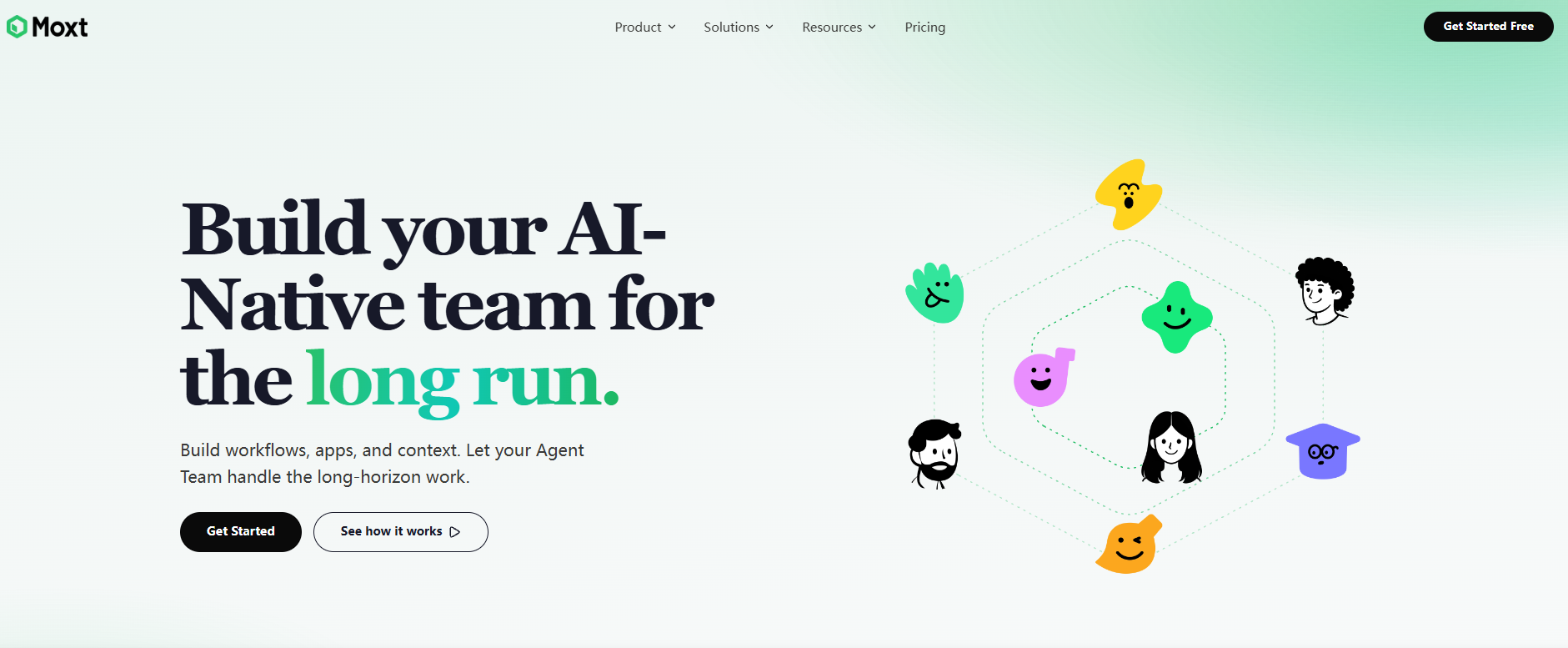
Moxt’s main functions
- Momo, a dedicated AI assistant : Each team member has their own Momo, which guides them through the learning process and supports interaction in both Chinese and English as well as style customization.
- Persistent memory system : Conversation information is automatically written
user_profile.mdandMEMORY.mdcontextAGENTS.mdis maintained across sessions, becoming more and more in line with user habits the more it is used. - Native file management : Supports two levels of Team Space and Personal Space, automatically converts uploaded files to Markdown format, and AI can directly read, write and create them.
- AI Colleague Customization : Dedicated agents (such as HR, marketing) can be created, and job experience can be continuously accumulated through Rules, Skills, and Memory to achieve professional division of labor.
- Multimodal task execution : Supports online search, data dashboard construction, Python project development, competitor monitoring crawler writing, document editing, and email template generation.
- Instant Messaging Integration : Directly connects to Slack and Lark, allowing you to initiate tasks by mentioning AI colleagues in the chat window without switching platforms.
How to use Moxt
- Register on the official website : Visit the Moxt official website https://moxt.ai/ and complete account registration.
- Create a workspace : Click the “Get Started” button to create a workspace and name it the team space.
- Invite team members : Generate an invitation link on the settings page, add real colleagues, and assign them the Admin or Member role.
- Configure a dedicated assistant : Complete an onboarding conversation with momo to inform her of her job role, language preferences, and document output style.
- Create a file directory : Create a folder in Team Space or Personal Space. Uploaded files will be automatically converted to Markdown format.
- Initiate a task command : Enter your requirements in the dialog box on the right, or use the @ symbol to reference a specific folder so that the AI can execute based on the existing context.
- Customize a dedicated agent : Click “AI Teammates” on the left to create a dedicated agent and configure its roles, rules, skills, and memory files.
- Connect to communication tools : Bind Slack or Lark in Integrations settings, and directly @AI colleagues in the chat window to initiate collaboration.
Key information and usage requirements for Moxt
-
Product Positioning : Agent-Native Workspace, AI-Native Collaborative Space
-
Supported platforms : Web interface, integrated with Slack and Lark.
-
File format : Uploaded files will be automatically converted to Markdown. We recommend using Markdown first.
-
Memory mechanism : Dependencies
user_profile.md, system filesMEMORY.md,AGENTS.mdetc., can be manually viewed and edited by the user. -
Collaboration Mode : Hybrid teams of real and AI colleagues, supporting Team Spaces and Personal Spaces with tiered access permissions.
-
Usage threshold : Basic experience in using AI tools is required. It is recommended to clarify the role of the Agent before deployment.
Moxt’s core advantages
- Native context integration : Supports the unified integration of scattered JDs, resumes, interview records, and email templates into the workspace, eliminating the need for repeated uploads by AI and enabling cross-document inference.
- The more you use it, the better it understands your memory : It supports persistent memory writing to the file system, avoiding repeated background explanations in every conversation, and the need for prompt words decreases as the frequency of use decreases.
- Dedicated Agent Experience Accumulation : Each AI colleague independently accumulates job rules and memory, enabling professional iteration in vertical scenarios such as recruitment, marketing, and R&D.
- Zero-switch, one-stop closed loop : From requirement input to document generation, code writing, Kanban board setup, and team synchronization, everything is completed in the same window.
- Seamless integration with communication tools : It exists directly in the workflow of Slack and Lark, and can introduce AI capabilities without changing the team’s existing collaboration habits.
相关导航




ai-navhub:The official website of the AI Toolset includes hundreds of AI tools from both domestic and international sources, as well as commonly used websites, frameworks, and models for AI learning and development, helping you join the wave of artificial intelligence and complete tasks efficiently and automatically!