






What is Typecast?
Typecast is an advanced AI-powered speech generation platform that efficiently converts text into natural and fluent speech content. The platform offers a rich variety of voice styles, covering different ages, genders, and scenarios, supports multilingual generation, and automatically adjusts the emotion and tone of the speech based on the text context through intelligent emotion recognition technology. It also allows users to upload audio samples for voice cloning , enabling personalized voice customization. Typecast is easy to use and has a user-friendly interface, making it widely applicable in video production, audio creation, education, and other fields, helping creators quickly generate high-quality speech content and improve work efficiency.
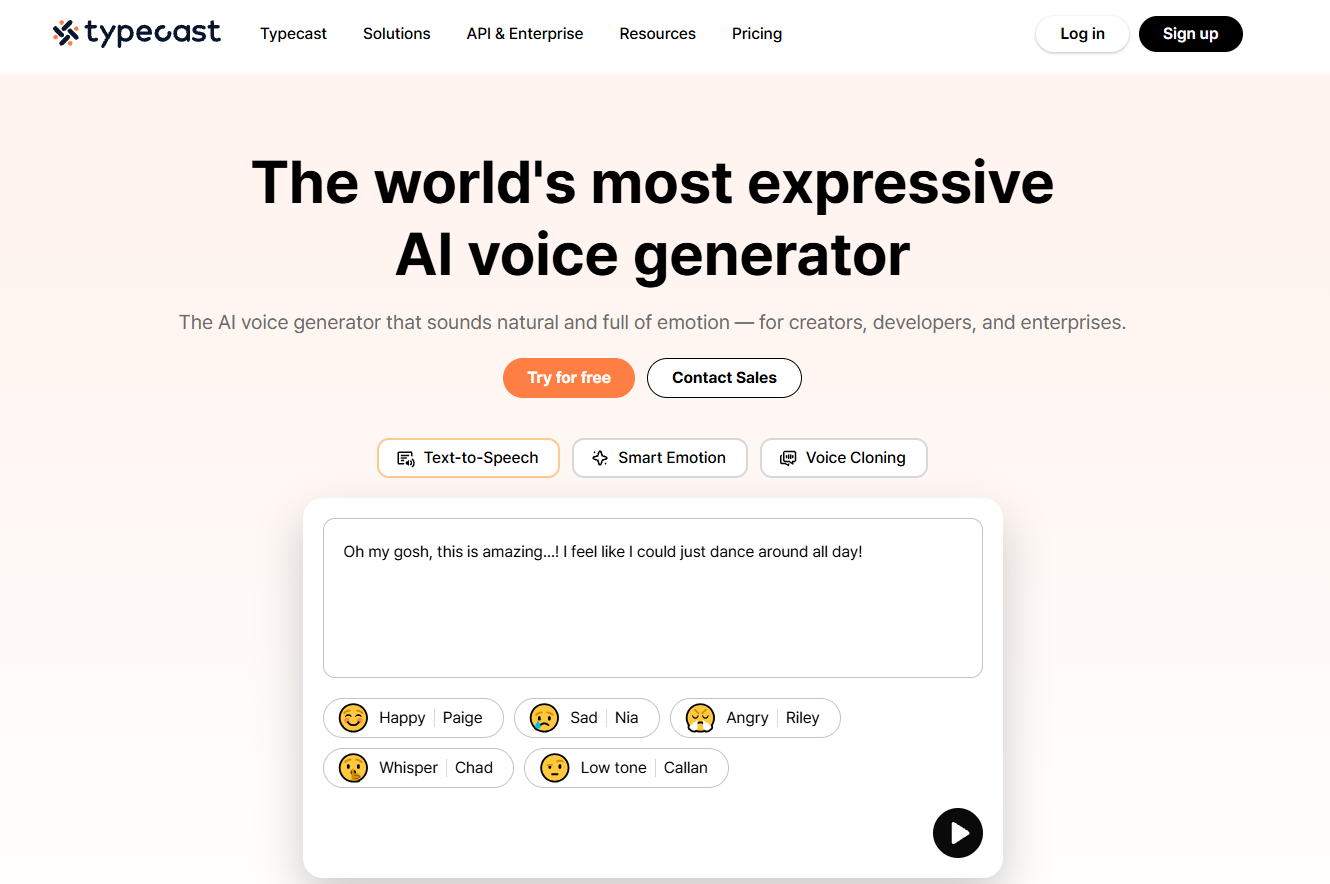
The main functions of Typecast
- Text-to-speech : Quickly converts text content into natural and fluent speech, supporting multiple languages and dialects to meet the needs of different scenarios.
- Emotion Recognition and Adjustment : Through intelligent technology, the system recognizes the emotions in the text and automatically adjusts the tone and speed of the speech to make the speech more expressive.
- Voice cloning : After a user uploads a short audio sample, a voice that is highly similar to the original can be generated, enabling personalized voice customization.
- Video editing assistance : Supports adding generated audio directly to videos and automatically generating subtitles, simplifying the video production process.
- Animated Avatar Generation : Convert static images or photos into animated avatar videos, with the option to add backgrounds to enhance the visual effects.
How to use Typecast
- Registration and Login : Visit the Typecast official website https://typecast.ai/, click “Sign Up” to register an account and log in.
- Creating a project : After logging in, go to the control panel, click “Create” to create a new project and name it.
- Text-to-speech : Enter text content, select a speech style, adjust parameters such as speech rate and intonation, click “Preview” to preview, and click “Generate” to generate speech after confirmation.
- Voice Cloning (Optional) : Click “Voice Clone”, upload an audio sample, and the system will process it to generate a cloned voice, which can then be used for text-to-speech conversion.
- Video editing assistance (optional) : Upload the video, add the generated audio to the video track, click “Add Subtitles” to automatically generate subtitles, and click “Export” to export the video after editing.
- Dynamic Avatar Generation (Optional) : Click “Dynamic Avatar”, upload an image, select a background (optional), and click “Generate” to generate a dynamic avatar video for download or use.
- Download and Export : Download the generated audio files, and export the edited project as audio, video, or other formats.
Application scenarios of Typecast
- Video production : Quickly generate natural narration, add subtitles, or create animated avatars for videos, improving video production efficiency and visual effects.
- Audio content creation : Generate audio content for podcasts, audiobooks, and audio ads to meet different creative needs.
- In the education sector : Generate audio for online courses and learning materials to enhance the appeal of educational content and learning outcomes.
- Corporate Promotion : Creating audio content for product introductions, corporate advertisements, and training materials to enhance the professionalism and effectiveness of corporate promotion.
- Social Media Content : Generate audio for short videos and social media profile pictures to increase the fun and appeal of the content and help promote the brand.
相关导航


