







AI Audio Tools
Stable Audio
What is StableAudio?
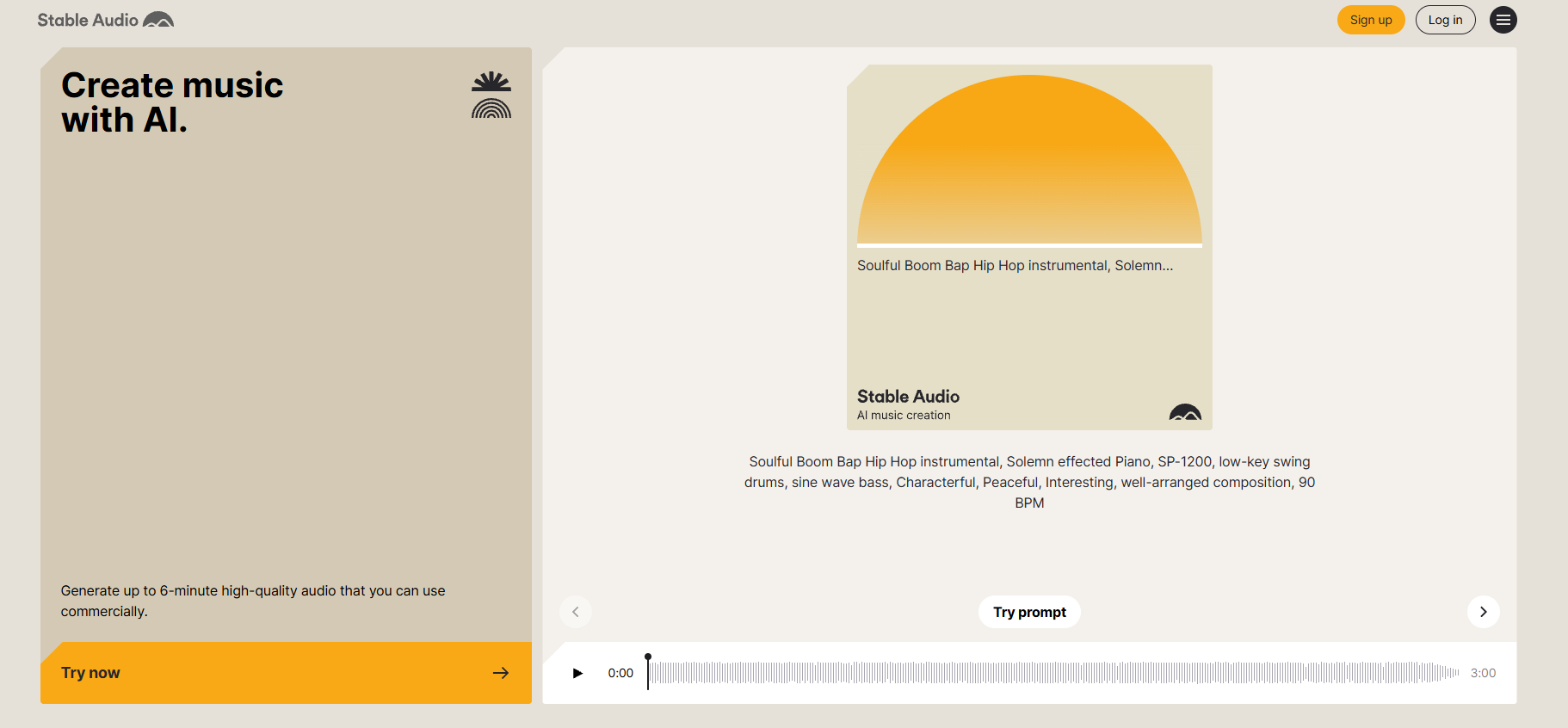
StableAudio is an AI-powered music creation platform provided by Stability AI . The platform generates music through text-to-audio and audio-to-audio conversion. Users simply input text descriptions or upload audio materials to generate music that meets their requirements. The platform supports generating audio files up to 3 minutes long in 44.1kHz stereo format. The music generated by the platform can be used in commercial projects. The platform is suitable for music creators, producers, and general users interested in music creation.
Main functions of Stable Audio
-
Text-to-Audio : Allows users to input detailed text descriptions (such as style, instruments, mood, BPM, etc.) to generate music.
-
Audio-to-Audio : Supports users to upload audio files and perform style conversion or generate variants by combining them with text descriptions.
-
Multiple model options : Different versions of audio generation models are provided, and users can choose the appropriate model according to their needs.
-
Detailed prompts structure : Optimize the generated effect with structured prompts (such as format, style, instrument, mood, BPM, etc.).
-
Advanced settings : Users can adjust parameters such as input intensity, number of steps, and seed value to control the quality and variety of generated audio.
How to use StableAudio
-
Registration and login : Visit the StableAudio official website https://stableaudio.com/ to complete account registration and login.
-
Choose the creation mode : Select either “Text-to-Audio” or “Audio-to-Audio” mode.
-
Input text prompt : Describe the desired music style, instruments, mood, BPM, etc. in detail in the input panel.
-
Select a model : Choose a suitable audio generation model; the platform will automatically select the latest model.
-
Adjust settings : Optimize the generated effect by inputting parameters such as intensity, number of steps, and seed value.
-
Upload audio (Audio-to-Audio mode only) : Click “Add Audio” to upload or record audio as input.
-
Generate music : Click the “Generate” button to start generating music. The generation process will consume a certain amount of “Track Credits”.
-
Preview and Operation : Listen to the generated audio in the preview panel, and you can copy prompts, share, download, or rate the generated results.
-
View history : View generated and uploaded audio records in the “History Panel”.
Application scenarios of StableAudio
-
Music creation : Musicians and producers quickly generate music through text descriptions, sparking inspiration and creating musical works that fit specific styles and emotions.
-
Video Music : Provides video creators with customized music, generating background music that matches the video content and atmosphere to enhance the video’s appeal.
-
Game music : Generate music for different scenes for game developers, such as battles, exploration, and story, to enhance the game’s immersion.
-
Advertising music : The advertising production team generates music that matches the theme and emotion of the advertisement, enhancing its appeal and memorability.
-
Personal Projects : Ordinary users can generate music for their own videos, podcasts, or personal projects without needing a professional music background.
相关导航




ai-navhub:The official website of the AI Toolset includes hundreds of AI tools from both domestic and international sources, as well as commonly used websites, frameworks, and models for AI learning and development, helping you join the wave of artificial intelligence and complete tasks efficiently and automatically!