






What is Murf AI?
Murf AI is a versatile AI voice generator designed for businesses and creators. Supporting over 200 voices and more than 20 languages, the tool quickly converts text into realistic voiceovers. Users can generate natural and fluent audio content through voice cloning , style adjustments, and other features, suitable for various scenarios such as advertising, training, podcasts, and audiobooks. Murf AI offers APIs and multi-platform integration, helping businesses efficiently produce audio content, reduce production costs, and improve productivity. It is a trusted voice solution for many companies worldwide.
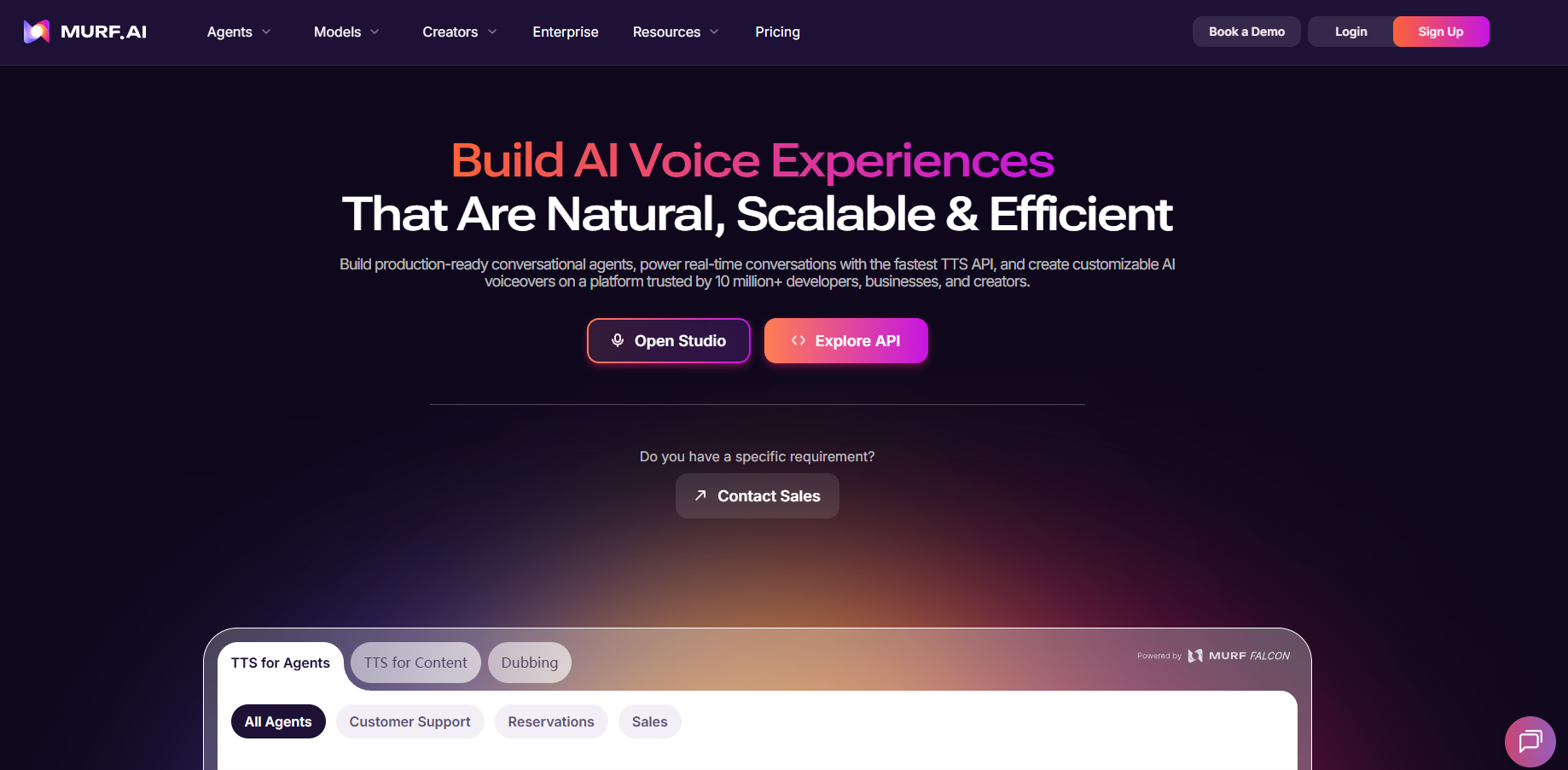
Murf AI’s main functions
-
Text-to-Speech : Converts text content into realistic voiceovers, supporting multiple languages and accents.
-
Voice cloning : This feature allows you to clone a user’s voice and generate speech that is highly similar to the original.
-
AI Dubbing : Supports dubbing in more than 30 languages, suitable for localization of video and audio projects.
-
Customizable voice style : Offers a variety of voice styles (such as sad, angry, promotional, meditative, etc.), and supports adjusting parameters such as tone, speed, and pauses.
-
Pronunciation management : Supports the International Phonetic Alphabet (IPA) or alternative spellings to ensure consistent pronunciation of brand terms.
-
API and developer tools : Provides REST API and SDK to support the integration of voice functionality into applications.
-
Multi-platform integration : Seamlessly integrates with tools such as PowerPoint, Canva, and Adobe, allowing users to use it directly.
-
Voice library : Supports the creation and sharing of voice libraries, ensuring consistency and professionalism in speech.
How to use Murf AI
- Registration and Login : Visit the Murf AI website https://murf.ai/ to register and log in to your account.
- Select the function module : Choose functions such as text-to-speech, voice cloning, and AI dubbing according to your needs.
- Enter text : Enter or paste the text you want to convert to speech in the text box.
- Choose a voice : Select a suitable voice from the voice library, supporting multiple languages and accents.
- Adjust parameters : Adjust parameters such as pitch, speech rate, pauses, and voice style to make the speech more natural.
- Preview and Adjust : Preview the generated audio and adjust the parameters as needed.
- Export or use : Export the generated speech as an audio file, or use it directly on supported platforms.
Application scenarios of Murf AI
- Corporate Training : Quickly generate professional and natural audio content for corporate training videos and online courses, enhancing the learning experience while saving time and costs.
- Advertising & Marketing : Quickly create engaging voice content for ads, promotional videos, and social media ads to help brands expand their reach globally.
- Podcasts : Quickly convert podcast scripts into natural and fluent speech, helping creators save time on recording and post-production.
- Audiobooks : Efficiently convert text content into natural and fluent speech, quickly creating audiobooks.
- Video dubbing : Provides high-quality dubbing solutions for video, animation, and social media content, quickly generating natural voices to enhance video appeal.
相关导航


ai-navhub:The official website of the AI Toolset includes hundreds of AI tools from both domestic and international sources, as well as commonly used websites, frameworks, and models for AI learning and development, helping you join the wave of artificial intelligence and complete tasks efficiently and automatically!