






What is MemoAI?
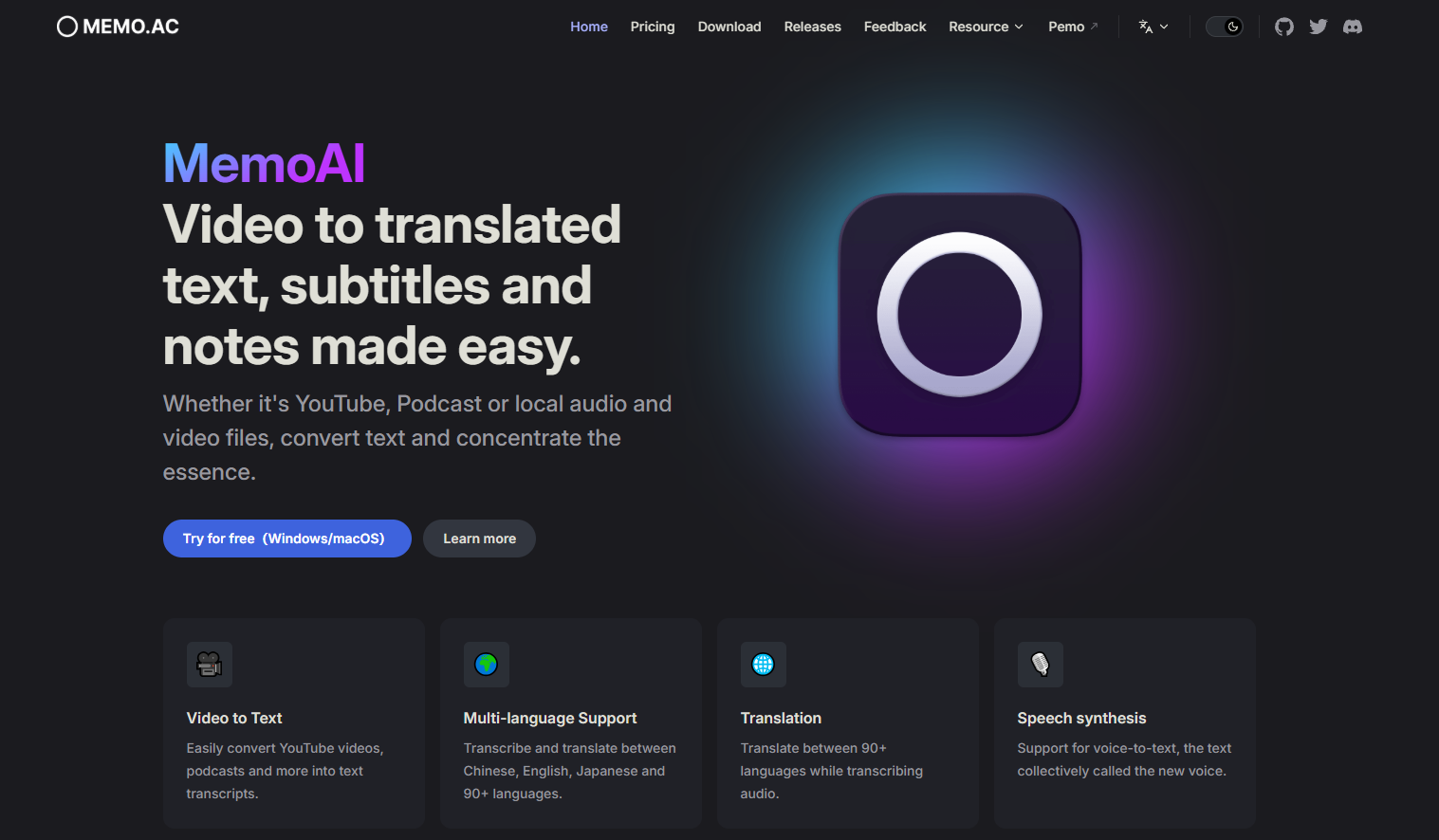
MemoAI is a free AI-powered speech-to-text tool that supports converting YouTube, podcasts, and local audio and video files to text. MemoAI features multilingual transcription, translation, speech synthesis, speaker separation, and real-time captioning. It supports NVIDIA and AMD GPU acceleration for fast media file processing. It offers floating notes, clip segmentation, AI summarization, and multiple export options. MemoAI prioritizes privacy, works entirely offline, and supports cross-platform compatibility with Windows and macOS.
MemoAI’s main functions
- AI-powered speech-to-text conversion : Converts audio and video content such as YouTube videos and podcasts into text.
- Multilingual support : Supports speech-to-text and translation of more than 90 languages, including Chinese, English, and Japanese.
- AI translation function : Translates between more than 90 languages while converting text.
- AI speech synthesis : converting text into speech output.
- Speaker separation : helps distinguish different speakers, making it easier to view multi-speaker content such as meetings and interviews.
- GPU acceleration : NVIDIA and AMD GPUs accelerate processing, significantly reducing processing time.
How to use MemoAI
- Registration and login : Visit the MemoAI website ( memo.ac ), create an account and log in.
- Upload or input files : For online media, such as YouTube videos, directly input the video link. For local files, such as MP4 and MP3 files, select and upload the file using the file upload function.
- Select Language : Choose the appropriate source language based on the language of the audio/video files to be transcribed.
- Start Transcription : Click the Start Transcription button, and MemoAI will begin processing your file.
- Editing and proofreading : After transcription is complete, you can view the transcribed text and perform necessary editing and proofreading.
- Use advanced features : Utilize speaker separation to identify different speakers. Use floating notes to highlight key information while audio is playing. Use clipping to edit and transcribe specific sections of audio.
- Export : Export the transcribed text to different formats as needed, such as SRT caption files, Markdown, etc.
Application Scenarios of MemoAI
- Education and Learning : Students and teachers can transcribe classroom lectures and meetings for review and learning purposes.
- Content creation : Video bloggers and podcast hosts can use MemoAI to quickly generate transcripts of video or audio content.
- Corporate Meetings : Companies can transcribe meeting minutes for archiving and team member review.
- Language learning : Learners can use MemoAI to transcribe and translate foreign language materials to improve their language skills.
- Media surveillance : Media companies can transcribe news and broadcasts for content analysis and monitoring.
相关导航


ai-navhub:The official website of the AI Toolset includes hundreds of AI tools from both domestic and international sources, as well as commonly used websites, frameworks, and models for AI learning and development, helping you join the wave of artificial intelligence and complete tasks efficiently and automatically!