Tunee
What is Tunee?
Tunee is the first conversational music creation agent launched by the Tianpu Music team . With natural language interaction at its core, users only need to describe their musical needs, such as style, mood, and theme, to generate a complete song, including lyrics, composition, arrangement, and vocals. It can understand vague user requests, generating songs with complete verses and choruses, rich in emotion, and supports multiple styles (pop, rock, traditional Chinese music, etc.). Tunee allows users to upload images, videos, or audio to get inspiration and generate music that fits the scene. Users can interact with Tunee to adjust the style, rhythm, lyrics, etc., until they are satisfied. Tunee lowers the barrier to music creation and is suitable for music lovers, creators, and teaching scenarios.
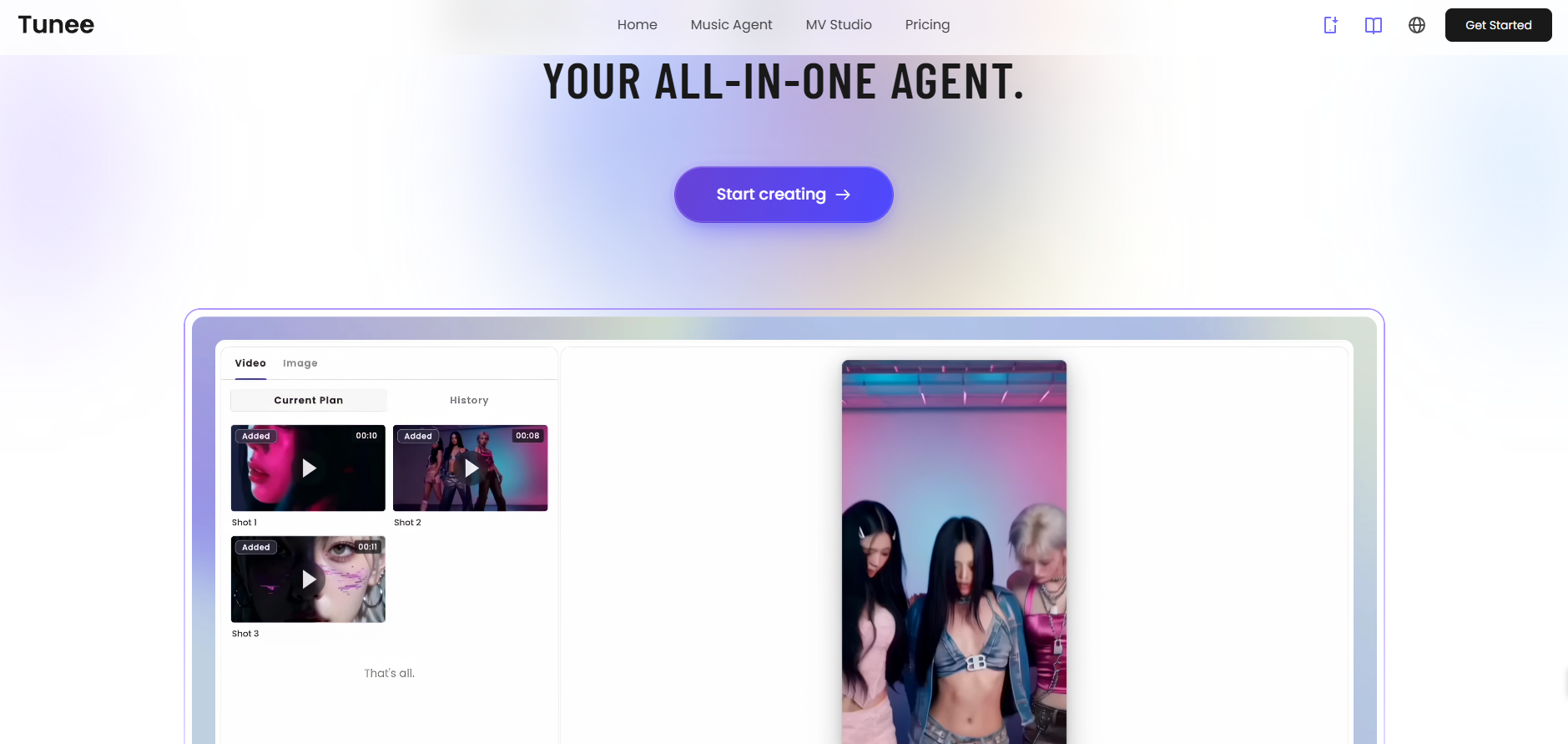
Tunee’s main functions
-
Conversational music creation : Users can describe their musical ideas using natural language, such as “sad but hopeful” or “energizing like a workout song,” and Tunee can generate original music that matches the description. Three generation modes are provided:
-
Speed Mode : Submit commands directly and generate lyrics quickly.
-
Online Search : Real-time online search, combined with the latest information for demand analysis and creation.
-
Dual-mode with high speed and search : First, connect to the internet to obtain real-time information, then quickly generate prompts and lyrics.
-
-
Multimodal content processing : Supports multiple input methods such as uploading melodies, video clips, and emotional descriptions. It can capture emotional changes from videos and images.
-
Interactive creation : Music content is continuously optimized through dialogue until the user is satisfied. Users can provide feedback on the generated results as if communicating with a real producer.
-
MV Production : Supports automatic generation of MV videos that match the music style, combining image generation and video technology to add visual expressiveness to musical works.
-
Intelligent Mastering : Provides high-quality mastering services to ensure consistent sound quality across different playback devices and platforms.
-
Audio track separation : Supports separating different audio tracks in music (such as vocals, drums, guitar, etc.), making it easier for users to edit or remix later.
-
Royalty-free background music : The generated music comes with a “commercial license” and can be used directly in short videos, advertisements, podcasts, and other scenarios, avoiding the risk of infringement.
How to use Tunee
-
Registration/Login : Visit the Tunee official website https://www.tunee.ai/, click the “Register” button in the upper right corner, and register with your email address.
-
Start creating : After logging in, describe your musical ideas in natural language, such as “I need a piece of music with a great atmosphere to post on TikTok.” Tunee will follow up with more details through conversation to accurately understand your needs and recommend the most suitable music.
-
Choose the generation mode : Tunee offers three generation modes, including Speed Mode (directly submit commands and quickly generate lyrics), Online Search (real-time online search, combining the latest data for demand analysis and creation), and Speed + Search Dual Mode (first connect to the internet to obtain real-time information, then quickly generate prompts and lyrics). You can choose the appropriate mode according to your needs.
-
Accelerate creation : You can use preset prompt words to speed up music generation and inspire creativity.
-
Multi-task generation : Input your requirements once to get multiple music schemes, each of which can generate two songs simultaneously. If you want to generate music in multiple directions at the same time, you can tell Tunee “I want them all”; if you want to add a new version in the same direction, you can click “Give me 2 more songs”.
-
Post-production and enhancement :
-
One-click AI MV generation : After the song is generated, tell Tunee “Make MV” in the conversation, or click the “Make MV” button directly. You can interact with Tunee intelligently through the dialogue function, accurately adjust the MV effect, and also select personalized video parameters, such as aspect ratio, time range, visual style, etc.
-
Free lyrics video download : After the music is generated, you can download the full lyrics video with one click. You can choose a static template (default song cover, which can be modified) or a dynamic template (dynamic ripple visual effect). Both template types support horizontal or vertical format selection.
-
Song editing : Supports modifying lyrics and adjusting prompts. During editing, you can choose to keep the original melody or rearrange the music, and you can also customize the song title and cover image.
-
Intelligent mixing creation : Allows users to mix music from the generated music library with one click, quickly generating brand new arrangement versions.
-
Intelligent Mastering : Achieve professional-grade sound quality refinement in multiple styles. You can choose to use reference music provided by Tunee or upload your own reference music as the optimization standard. After processing, you can directly download the finished product.
-
Audio track separation : Music can be split into independent audio tracks (such as vocals, drums, bass, etc.), making it easier to edit and mix.
-
相关导航